
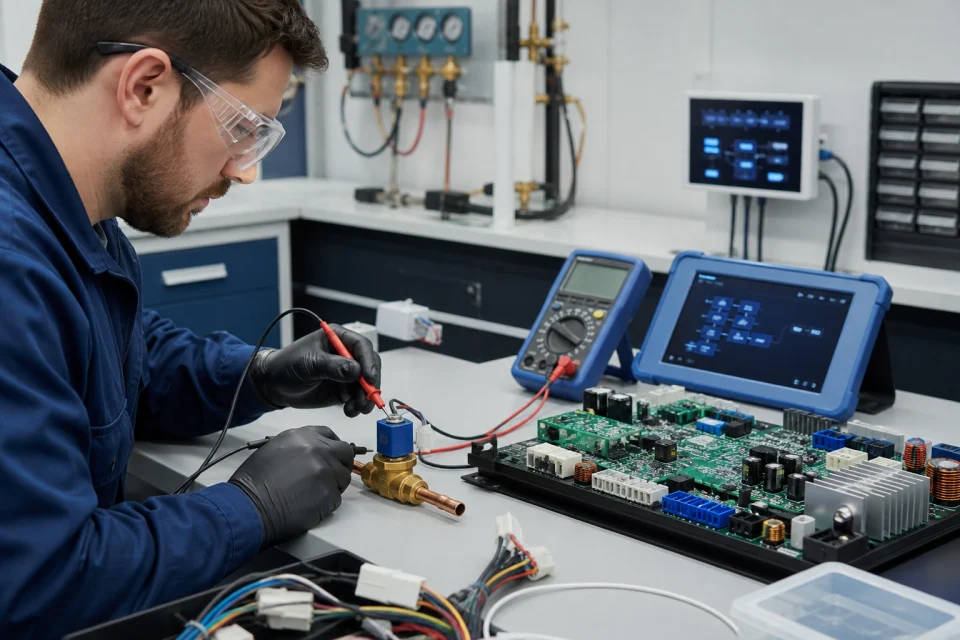
Samsung DVM E151, E152, E161, E162, E163 and E186 Codes is a technical guide that explains electronic expansion valve, mixed operating mode and EEPROM/option-setting codes in Samsung DVM systems.
Fault Codes and Their Technical Meanings
The meanings below apply to the series covered by the manufacturer document listed in the sources. Meanings may differ for other series, controllers or software versions from the same brand.
| Code | Meaning in the manufacturer's document |
|---|---|
| E151 | Electronic expansion valve initialisation/opening abnormality |
| E152 | Electronic expansion valve closing abnormality |
| E161 | Mixed operating modes in the same system |
| E162 | EEPROM abnormality |
| E163 | EEPROM option-setting abnormality |
| E186 | EEPROM option-configuration abnormality |
Key Technical Points
- Check the EEV coil, connector and valve body separately.
- For E161, compare heating and cooling requests from the connected controllers.
- Match option codes exactly to the model label.
- Factory and field settings may need to be re-entered after board replacement.
The Correct On-Site Sequence
- Record the complete equipment model, serial number and controller used.
- Before clearing alarm history, note the operating mode, outdoor conditions and load conditions.
- Open the manufacturer's current documentation for the same model and software version.
- Add the authorised service provider's measurements and actions to the commissioning or maintenance form.
Service Safety and Avoiding Misdiagnosis
A fault code often shows only the outcome; the root cause may be supply voltage, communication cabling, a sensor, the refrigerant circuit or a setting. Cycling the power is not a lasting diagnosis and may conceal recurring protective trips. Measurements, isolation and refrigerant work must be carried out by authorised HVAC service personnel following the current service manual for the equipment's complete model code.
For an assessment specific to your project or existing system, you can contact the Global VRF technical team, and explore current equipment families in the product catalogue.